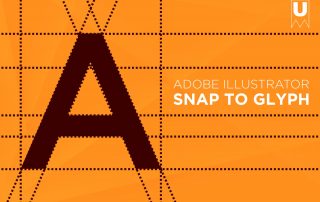
What is Snap to Glyph? | Illustrator Tutorial
Snap to Glyph | Adobe Illustrator Tutorial With the release of Adobe Illustrator 24.3 at the end of August 2020 Adobe released a new feature titled Snap to Glyph. This feature “lets you snap your artwork components precisely with the text, without the need to create outlines or reference guides” as described directly by Adobe. Feature Requirements In order for this feature to work make sure Glyph Snapping (View > Snap to Glyph) and Smart Guides (View > Smart Guides) are enabled. Make sure Snap to Grid is not enabled and [...]