Blend Modes Part 1 | Photoshop Tutorials 101
Overview
This tutorial is all about using the Normal and Dissolve Blending mode as well as what opacity does in Photoshop. These ideas are used when dealing with multiple layers and or photography enhancements.
Opacity
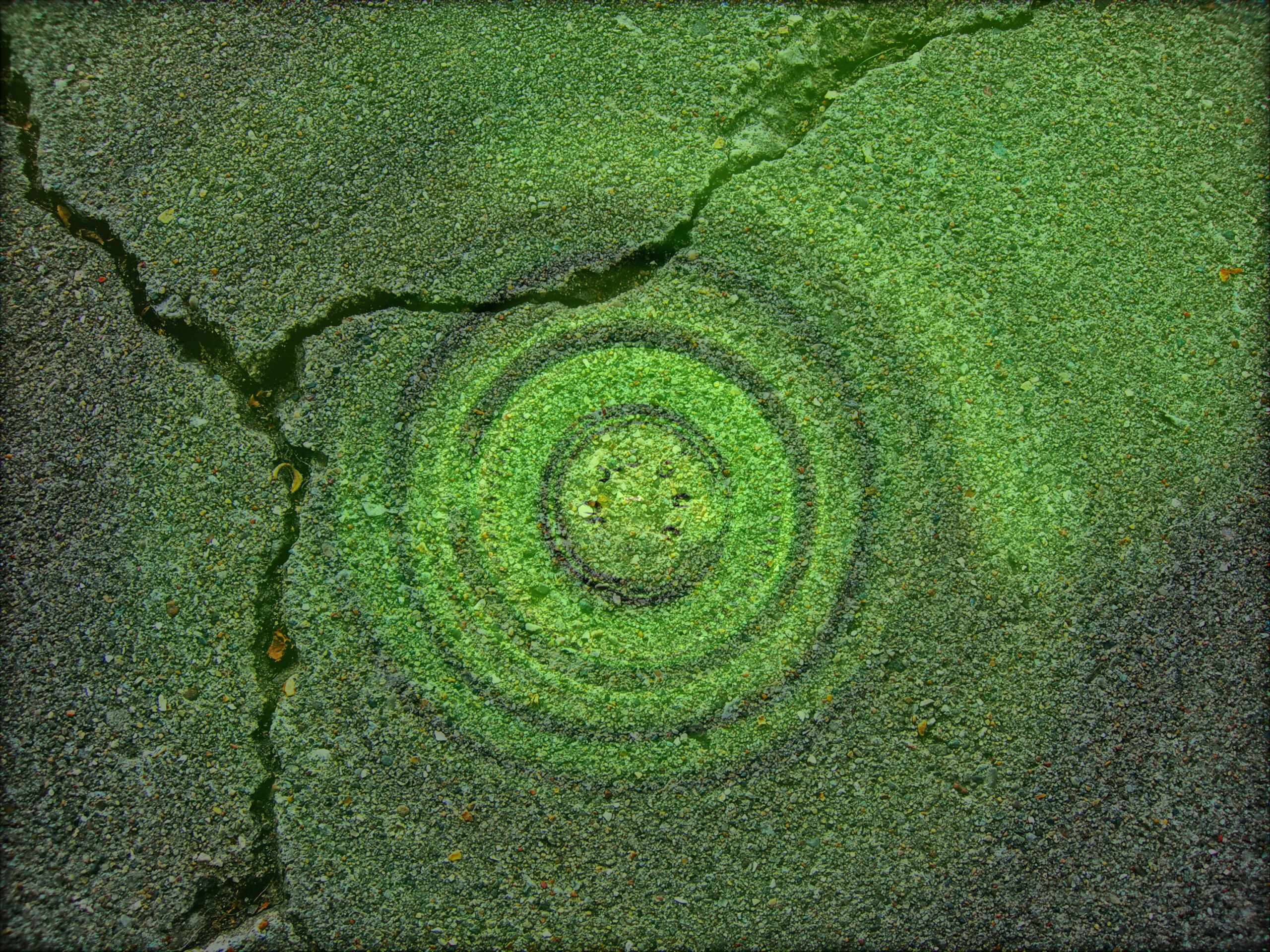
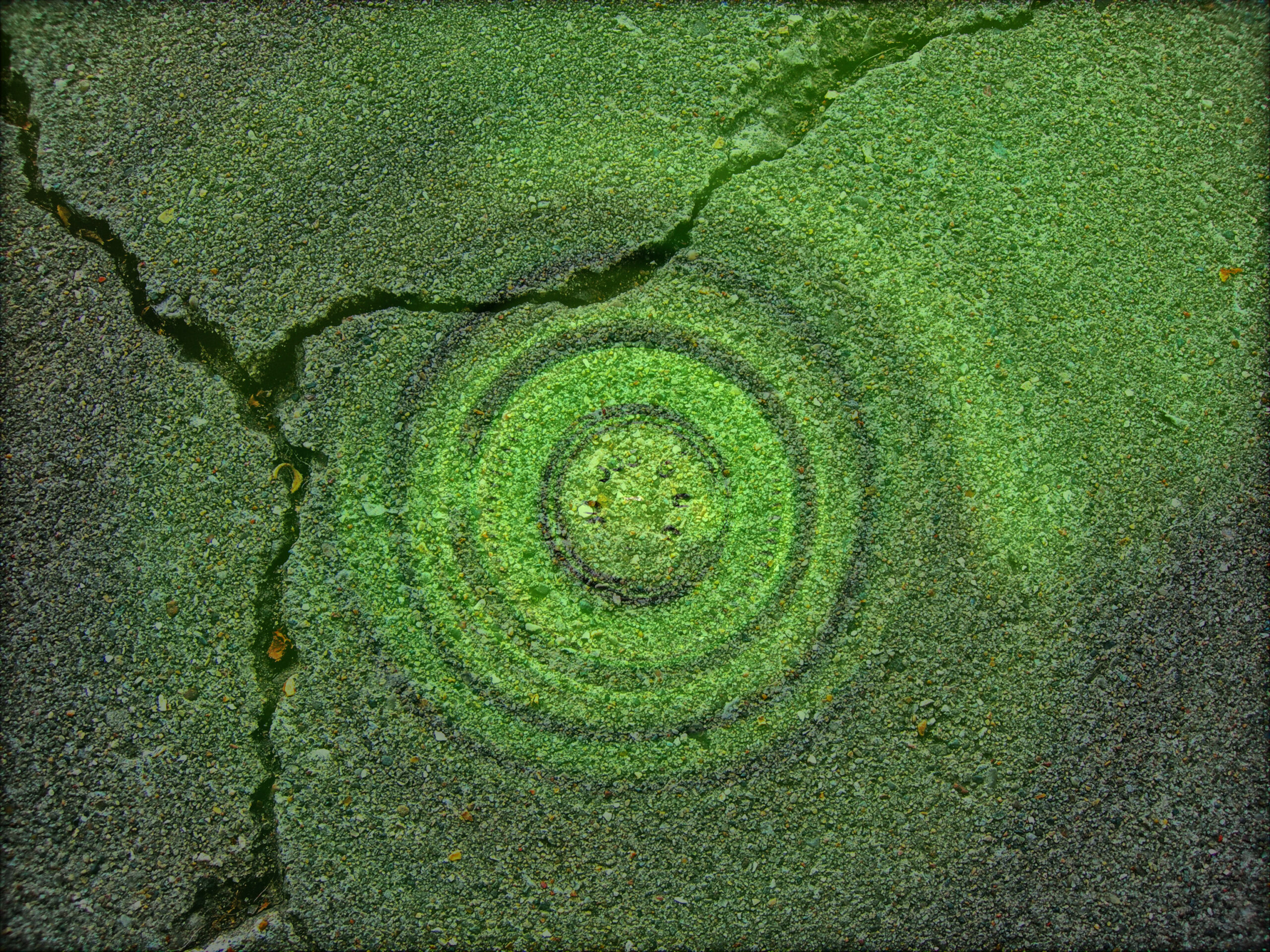
Opacity is a Photoshop function that makes the top layer translucent over the bottom layer. This allows for the bottom layer to show through onto the top layer. This affects everything in the layer including layer styles. Image on right at 50% opacity.


Fill
The Fill slider in the layers panel works much like Opacity does except fill only alters actual contents in the layer itself. The Fill slider does not alter the layer styles on the actual layer. Image at left has a fill of 50% on the top layer with no layer styles.
Normal
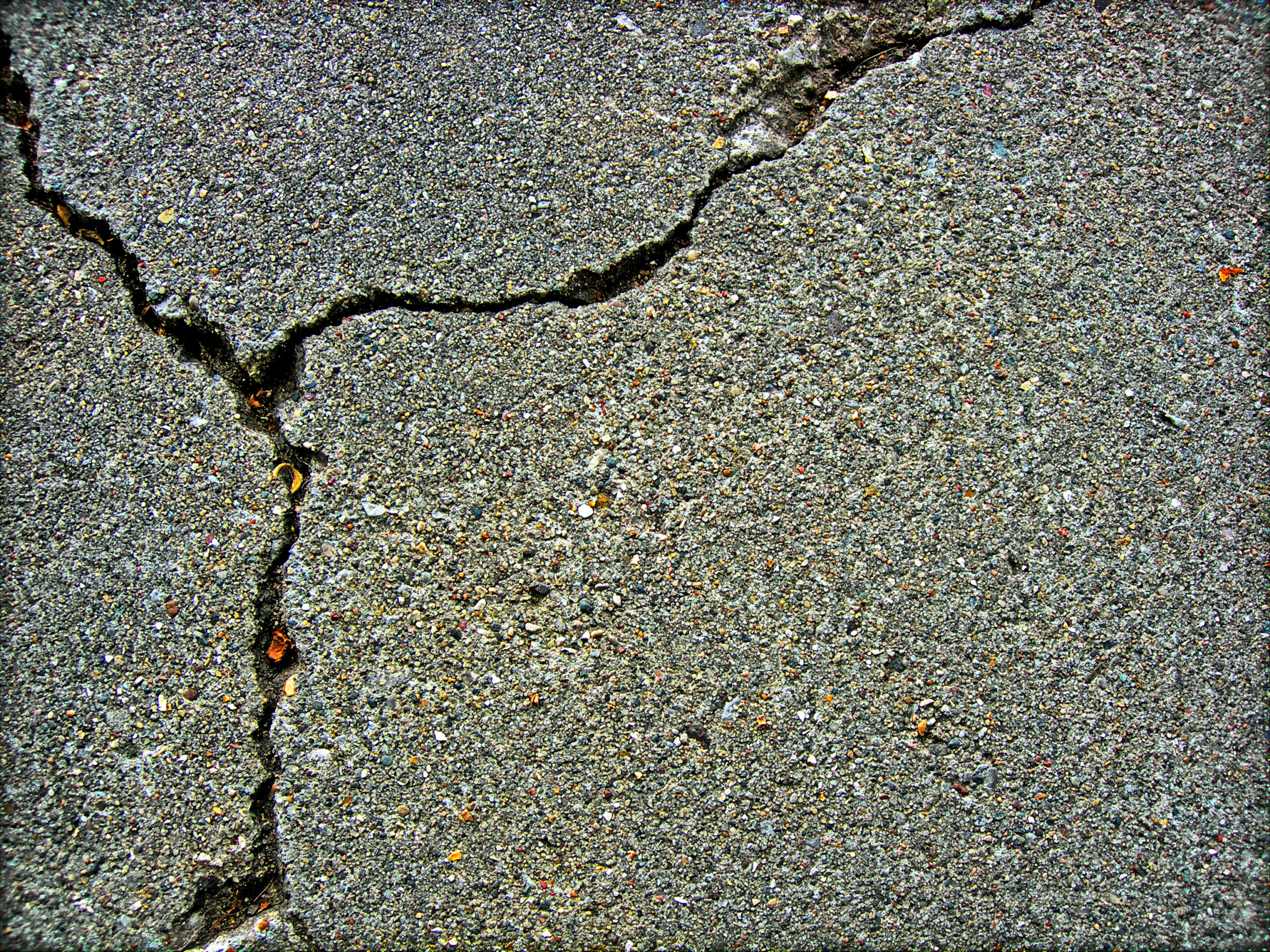
The Normal blending option doesn’t affect the top or bottom layer at all. This is the default setting for all layers in Photoshop, and does not affect the layer’s transparency at all, however opacity and fill can both be altered just the same as any other blending mode option in Adobe Photoshop.


Dissolved
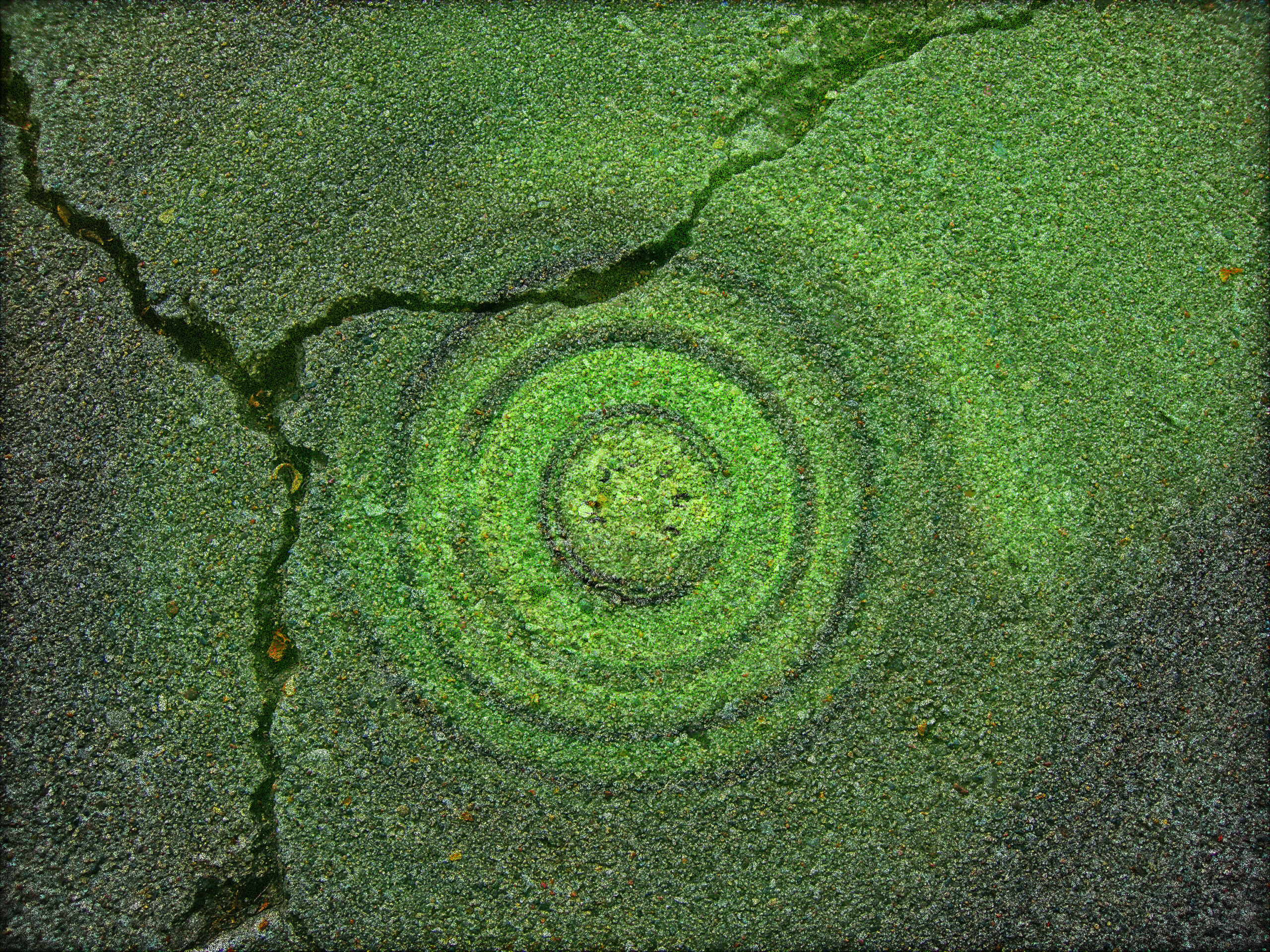
The Dissolved blending mode works by utilizing partially transparent pixels. These pixels become “dissolved,” and works dynamically with lowering the opacity of the layer. The image on the left has a 50% opacity on the top layer where the blend mode is set to dissolved.
Let’s Work Together
Every project starts with an idea, and I want to help your idea come to fruition