Blend Modes Part 3 | Photoshop Tutorials 101
Overview
This tutorial gives a description of what the five Lighten blend modes do in Adobe Photoshop and how they are used. These modes work well with simple photos underneath complex textures, giving a texture to the image.
Lighten
The Lighten blend mode utilizes the color information in each channel and selects the lighter color. Pixels lighter than this selected color are replaced, pixels lighter than the selected color stay the same.


Screen
The Screen blend mode works by multiplying the inverse colors of both layers together. The result is always a color lighter than before. Multiplying a layer with white creates white, multiplying with black causes no change to occur with the colors.
Color Dodge
The Color Dodge mode looks at the color information and lightens the color of the base to match the color of the blended layer all through a decrease in contrast. The Color Dodge mode creates no change when black is on the blended layer.

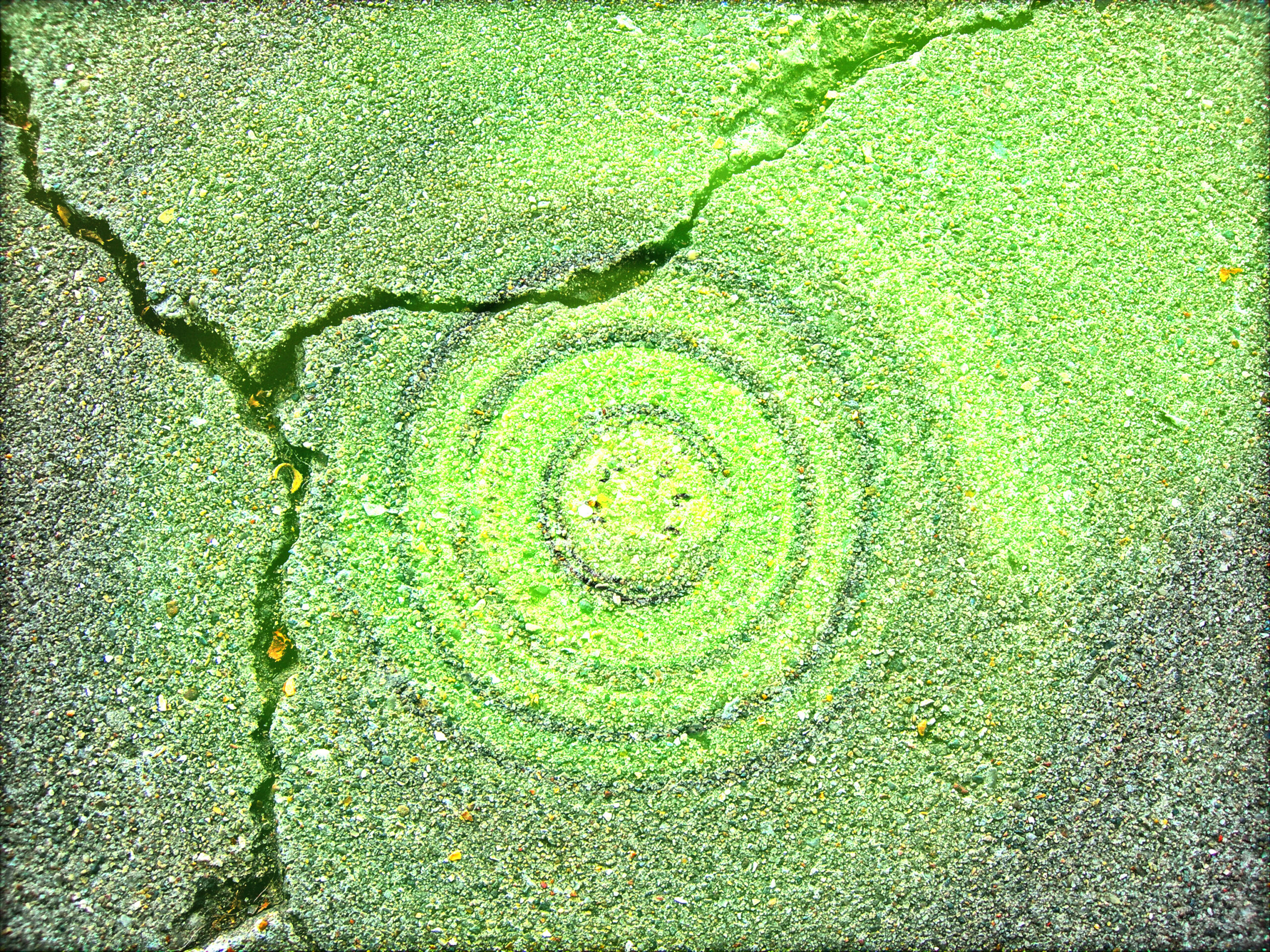
Linear Dodge (Add)
The Linear Dodge mode is used much like the Color Dodge mode however instead of changing the color through a decrease in contrast this mode relies on an increase in brightness to achieve a similar result. Again, blending with black causes no change in color information.
Lighter Color
The Lighter Color blend mode utilizes a similar process as the Lighten blend mode, however in this instance instead of using each RGB Channel the program utilizes the Composite layer for color selection.